2025
2025
StopChurn
StopChurn
StopChurn
A closer look at how a retention platform was redesigned with cleaner flows, a modern UI, and a scalable system.
A closer look at how a retention platform was redesigned with cleaner flows, a modern UI, and a scalable system.
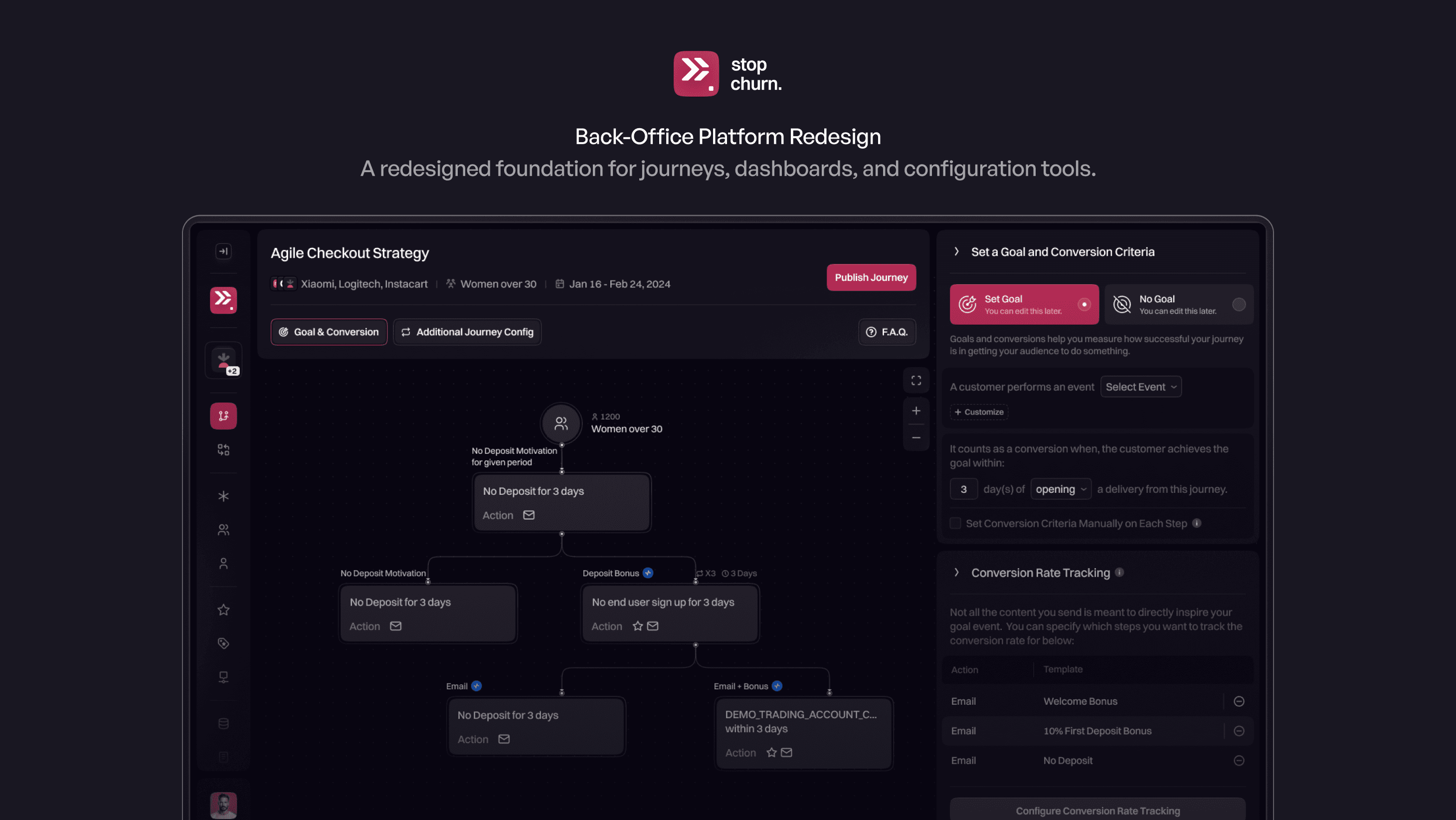
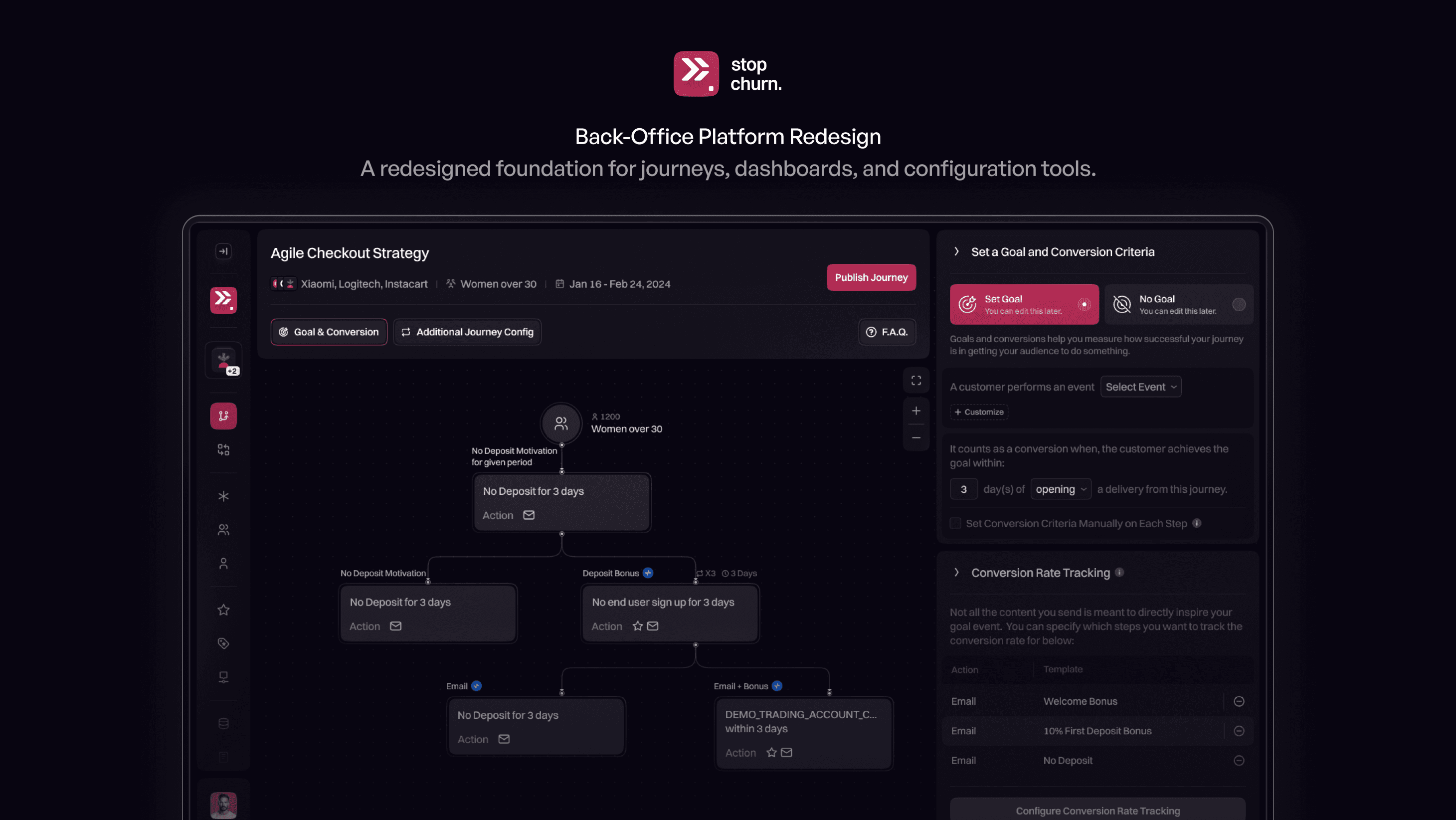
Complete Product Redesign
From early concepts to a polished, cohesive UI.
Complete Product Redesign
From early concepts to a polished, cohesive UI.
Complete Product Redesign
From early concepts to a polished, cohesive UI.
Modular Components
A flexible design foundation for future features.
Modular Components
A flexible design foundation for future features.
Modular Components
A flexible design foundation for future features.
Optimized User Flows
Clear navigation and simplified automation setup.
Optimized User Flows
Clear navigation and simplified automation setup.
Optimized User Flows
Clear navigation and simplified automation setup.
CONTEXT
CONTEXT
CONTEXT
StopChurn is a retention and automation platform used by marketers, analysts, and customer operations teams to build user journeys, monitor performance, and manage complex automation logic across multiple products and brands.
As the platform evolved, it accumulated a wide range of powerful tools designed to support advanced lifecycle strategies and data-driven decision making.
StopChurn is a retention and automation platform used by marketers, analysts, and customer operations teams to build user journeys, monitor performance, and manage complex automation logic across multiple products and brands.
As the platform evolved, it accumulated a wide range of powerful tools designed to support advanced lifecycle strategies and data-driven decision making.
StopChurn is a retention and automation platform used by marketers, analysts, and customer operations teams to build user journeys, monitor performance, and manage complex automation logic across multiple products and brands.
As the platform evolved, it accumulated a wide range of powerful tools designed to support advanced lifecycle strategies and data-driven decision making.
THE CORE PROBLEM
THE CORE PROBLEM
THE CORE PROBLEM
While feature-rich, the interface made it difficult for non-technical users to understand where to begin, how workflows connected, and which actions were safe to take.
Screens felt dense, navigation was unclear, and teams often relied on only a small subset of the platform’s capabilities.
While feature-rich, the interface made it difficult for non-technical users to understand where to begin, how workflows connected, and which actions were safe to take.
Screens felt dense, navigation was unclear, and teams often relied on only a small subset of the platform’s capabilities.
While feature-rich, the interface made it difficult for non-technical users to understand where to begin, how workflows connected, and which actions were safe to take.
Screens felt dense, navigation was unclear, and teams often relied on only a small subset of the platform’s capabilities.
How do you present a complex automation system in a way that feels understandable and approachable—without reducing its power or flexibility?
How do you present a complex automation system in a way that feels understandable and approachable—without reducing its power or flexibility?
How do you present a complex automation system in a way that feels understandable and approachable—without reducing its power or flexibility?
DESIGN DECISIONS
DESIGN DECISIONS
DESIGN DECISIONS
1. Progressive disclosure over density - Large, intimidating screens were broken into clearer steps so users could focus on one decision at a time without losing context.
2. Systemized hierarchy and layout patterns - Navigation, spacing, and component behavior were standardized to make screens predictable and easier to scan across the platform.
1. Progressive disclosure over density - Large, intimidating screens were broken into clearer steps so users could focus on one decision at a time without losing context.
2. Systemized hierarchy and layout patterns - Navigation, spacing, and component behavior were standardized to make screens predictable and easier to scan across the platform.
1. Progressive disclosure over density - Large, intimidating screens were broken into clearer steps so users could focus on one decision at a time without losing context.
2. Systemized hierarchy and layout patterns - Navigation, spacing, and component behavior were standardized to make screens predictable and easier to scan across the platform.
3. Plain-language controls and grouping - Advanced settings were reorganized and renamed to feel accessible to non-technical roles while preserving depth for experienced users.
3. Plain-language controls and grouping - Advanced settings were reorganized and renamed to feel accessible to non-technical roles while preserving depth for experienced users.
3. Plain-language controls and grouping - Advanced settings were reorganized and renamed to feel accessible to non-technical roles while preserving depth for experienced users.
OUTCOME
OUTCOME
OUTCOME
The redesigned platform enables teams to navigate workflows faster, understand automation logic more easily, and confidently use features they previously avoided.
The result is a system that remains powerful and flexible, while feeling structured, approachable, and reliable in everyday use.
The redesigned platform enables teams to navigate workflows faster, understand automation logic more easily, and confidently use features they previously avoided.
The result is a system that remains powerful and flexible, while feeling structured, approachable, and reliable in everyday use.
The redesigned platform enables teams to navigate workflows faster, understand automation logic more easily, and confidently use features they previously avoided.
The result is a system that remains powerful and flexible, while feeling structured, approachable, and reliable in everyday use.
A Simpler, Clearer Journey Builder
A Simpler, Clearer Journey Builder
A Simpler, Clearer Journey Builder
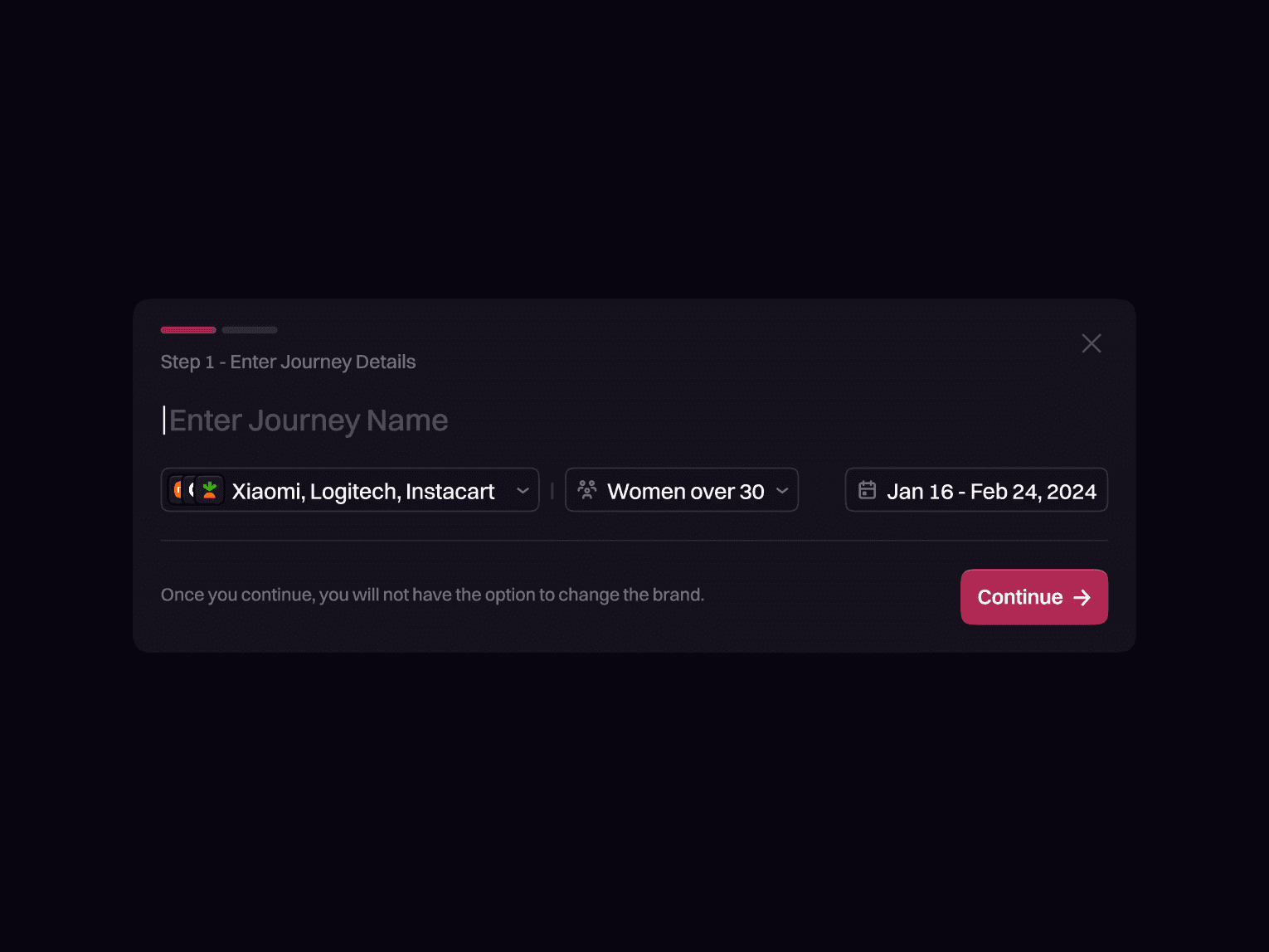
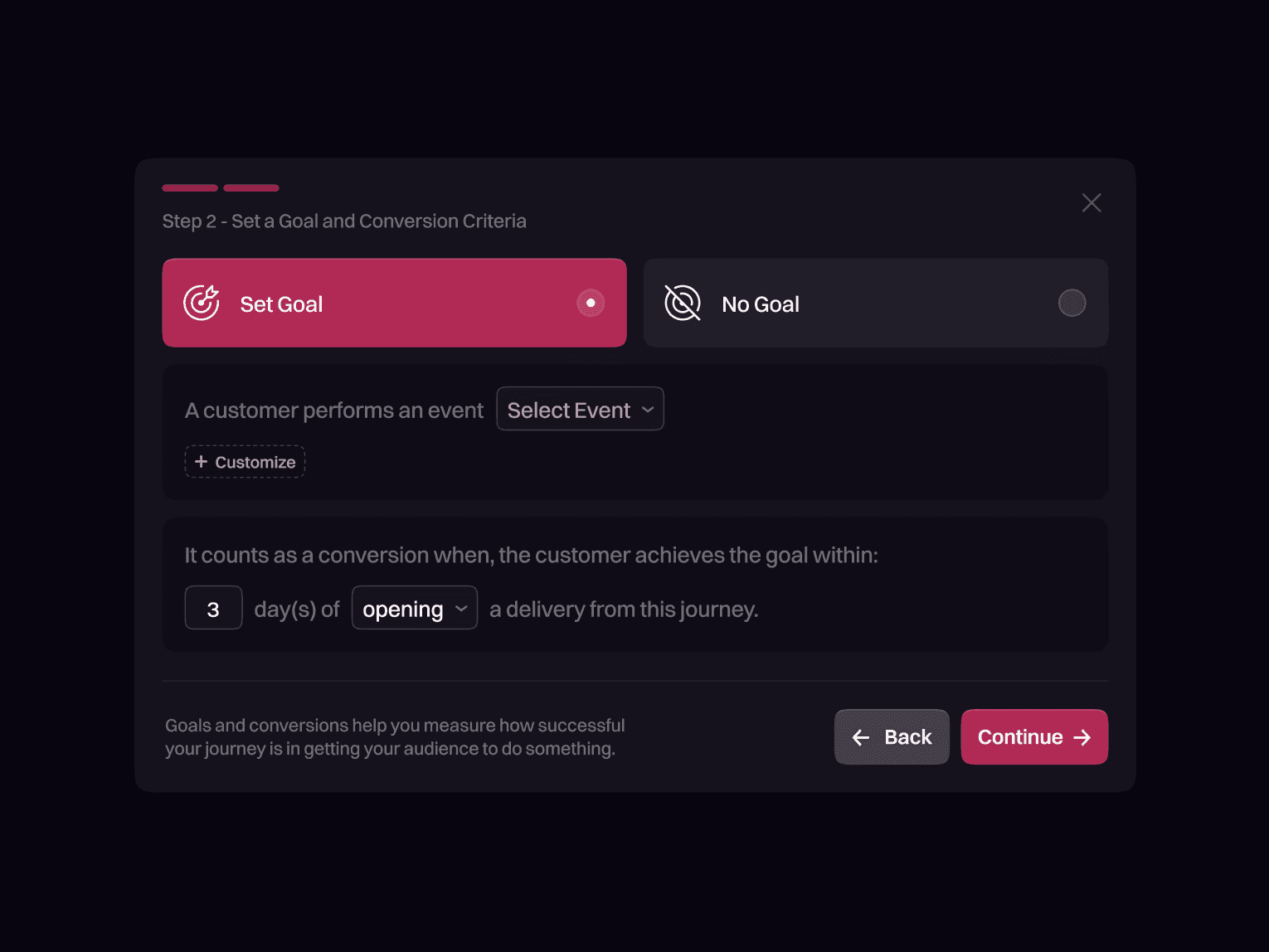
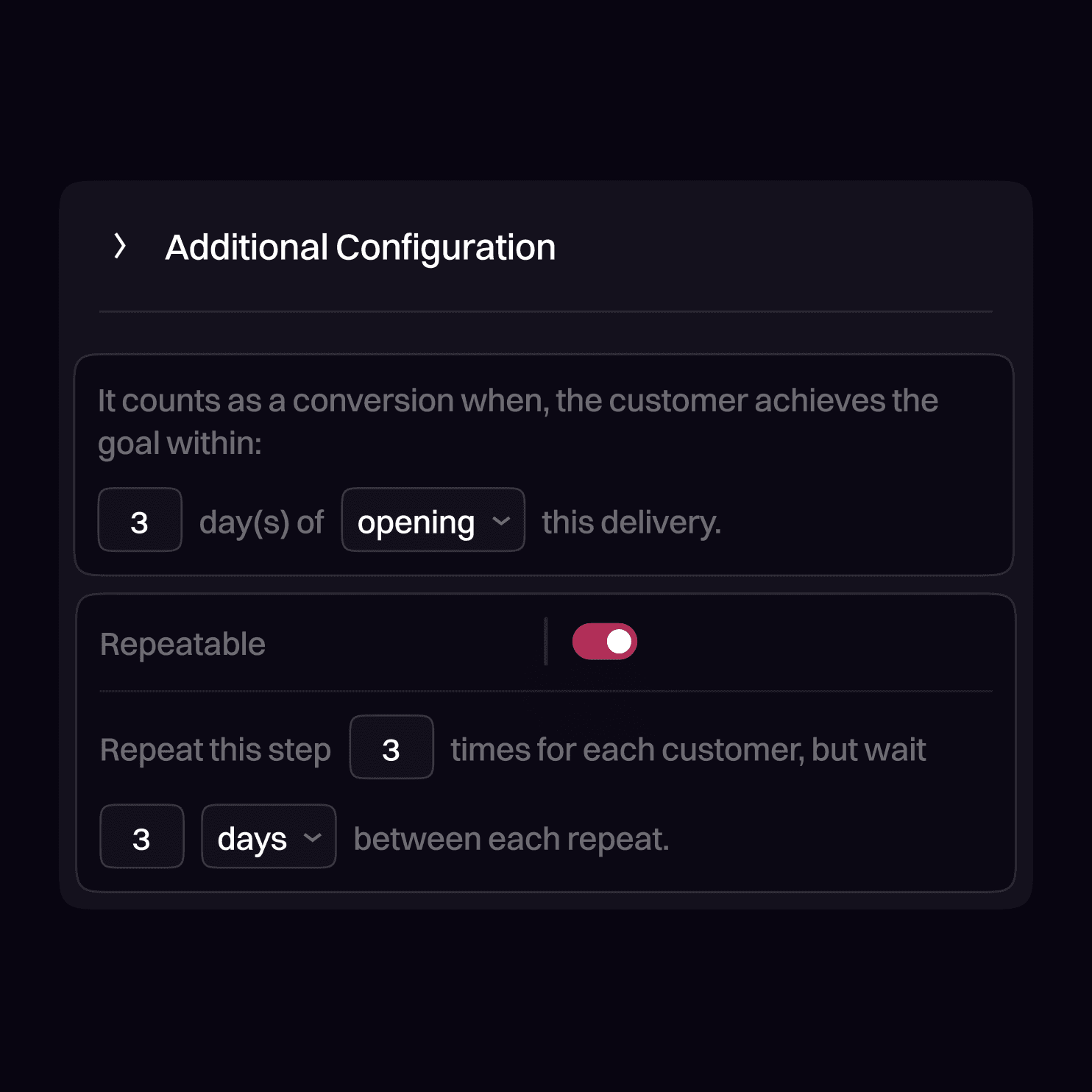
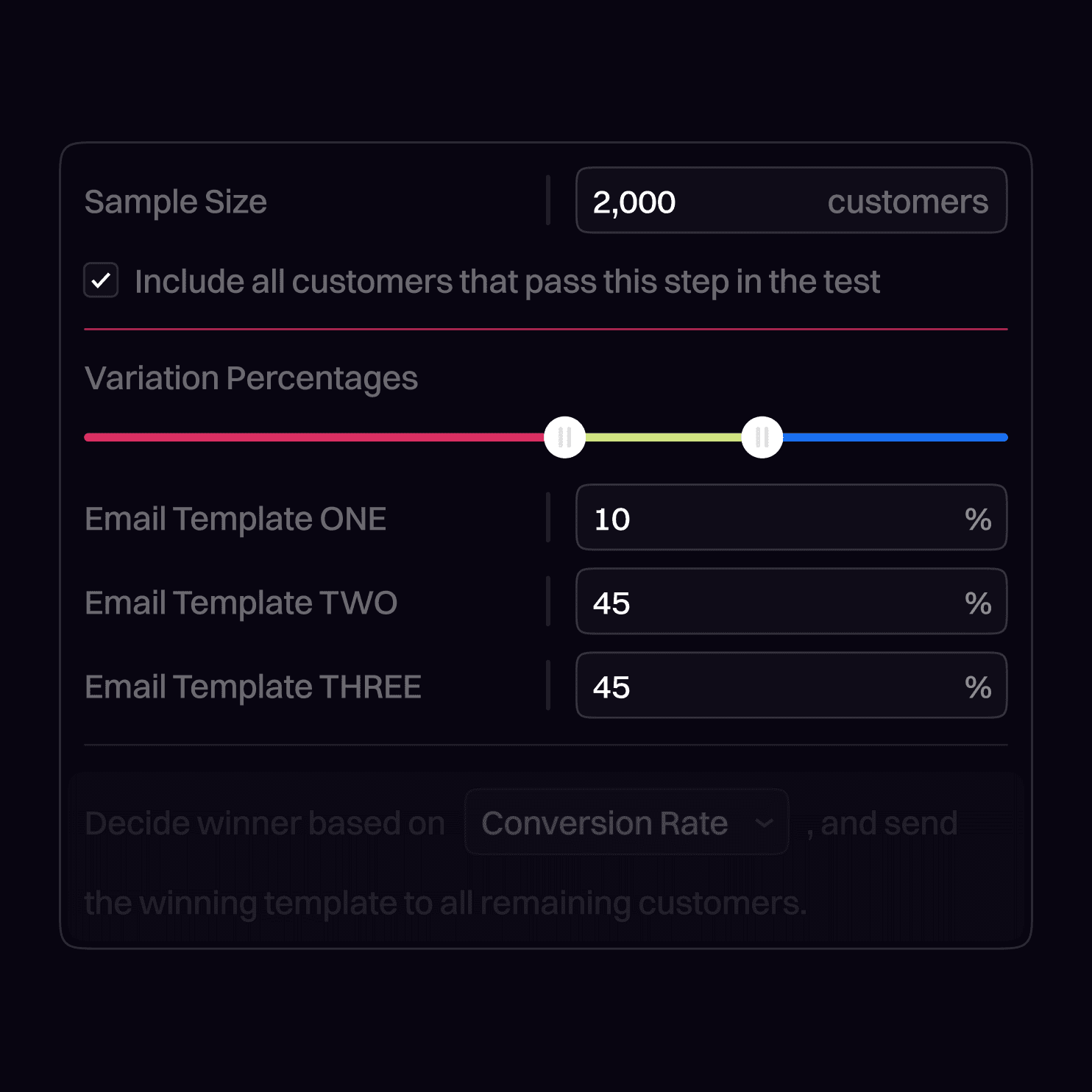
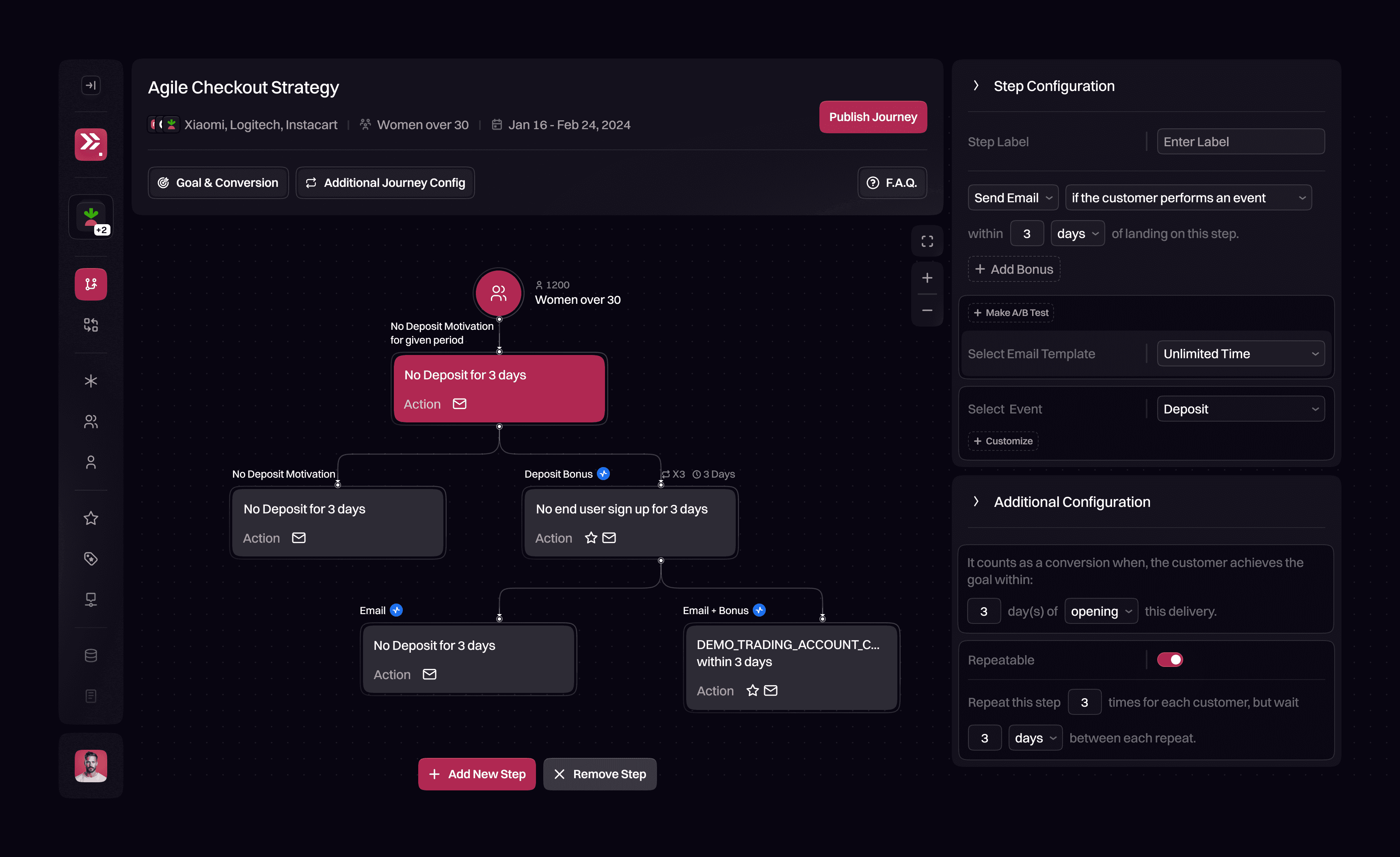
The original User Journey Builder offered powerful features but often felt overwhelming, especially for non-technical users. The redesign focuses on clarity, predictability, and smoother workflows.
Layouts were reorganized, controls simplified, and key actions surfaced more clearly. Each step now feels more intuitive, approachable, and easier to complete.
The original User Journey Builder offered powerful features but often felt overwhelming, especially for non-technical users. The redesign focuses on clarity, predictability, and smoother workflows.
Layouts were reorganized, controls simplified, and key actions surfaced more clearly. Each step now feels more intuitive, approachable, and easier to complete.
The original User Journey Builder offered powerful features but often felt overwhelming, especially for non-technical users. The redesign focuses on clarity, predictability, and smoother workflows.
Layouts were reorganized, controls simplified, and key actions surfaced more clearly. Each step now feels more intuitive, approachable, and easier to complete.
The screens above highlight key improvements across user journey creation, trigger setup, goal configuration, and supporting workflows.
The screens above highlight key improvements across user journey creation, trigger setup, goal configuration, and supporting workflows.
The screens above highlight key improvements across user journey creation, trigger setup, goal configuration, and supporting workflows.
A More Cohesive Back-Office
Experience
A More Cohesive Back-Office
Experience
A More Cohesive Back-Office
Experience
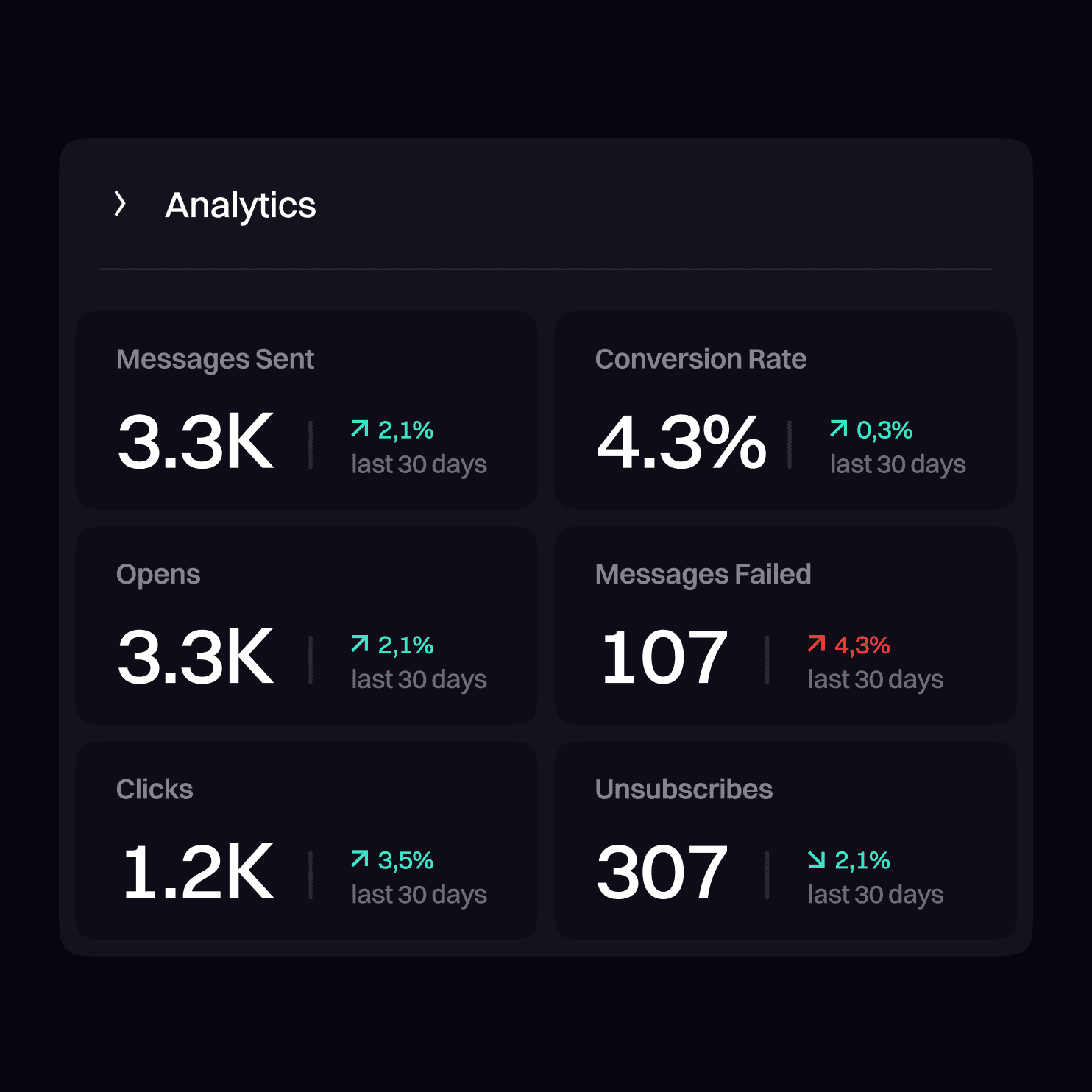
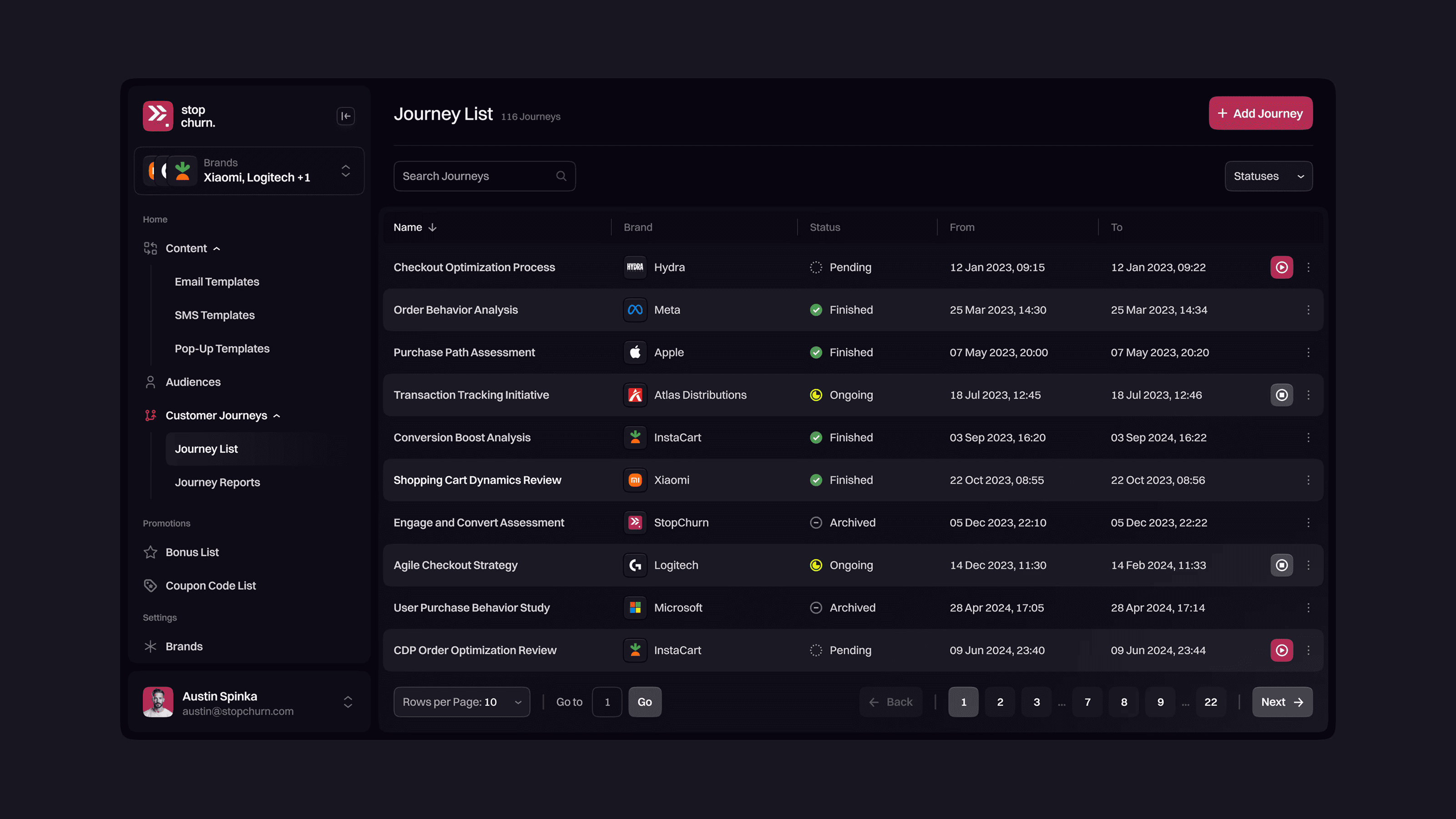
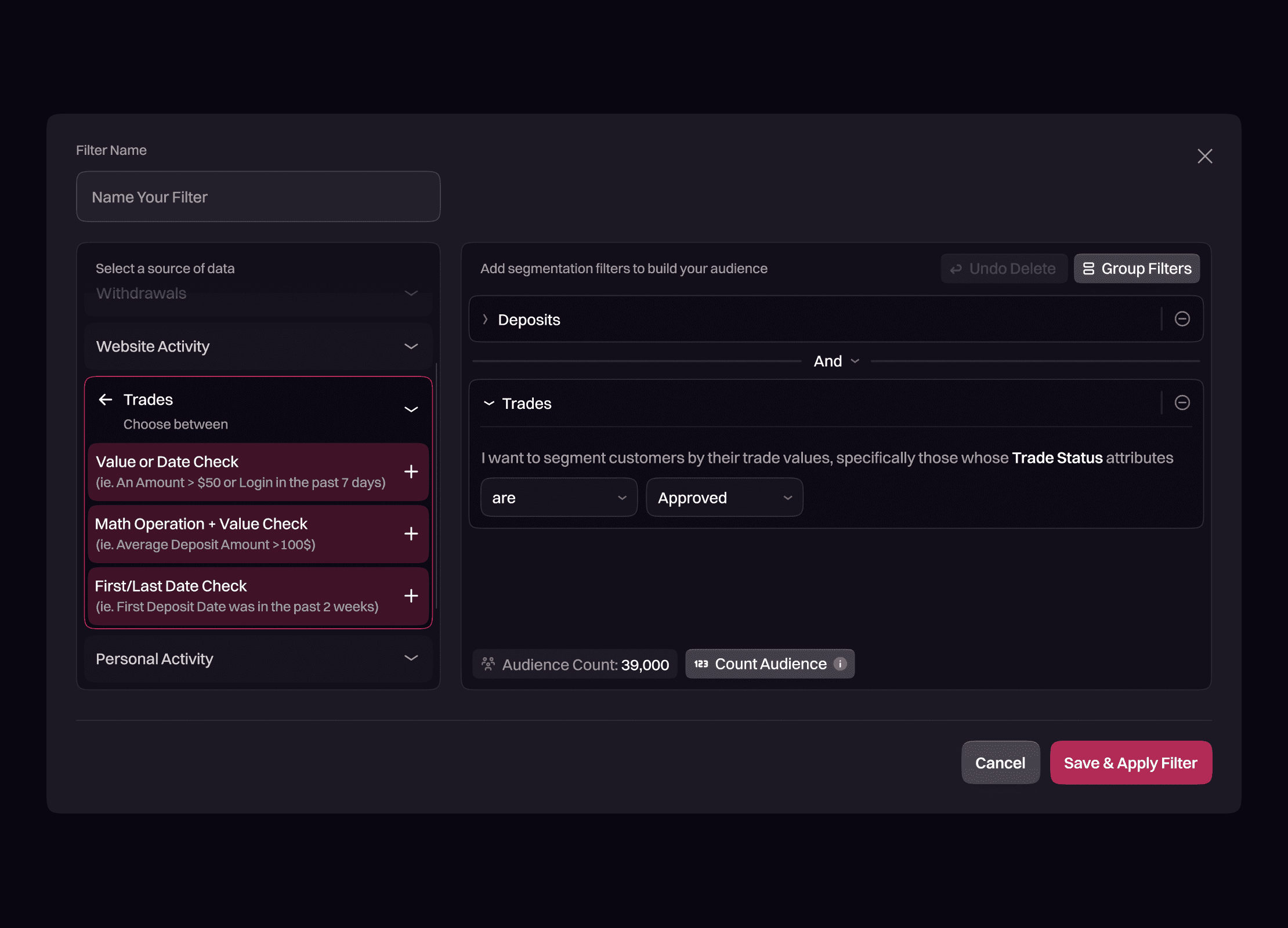
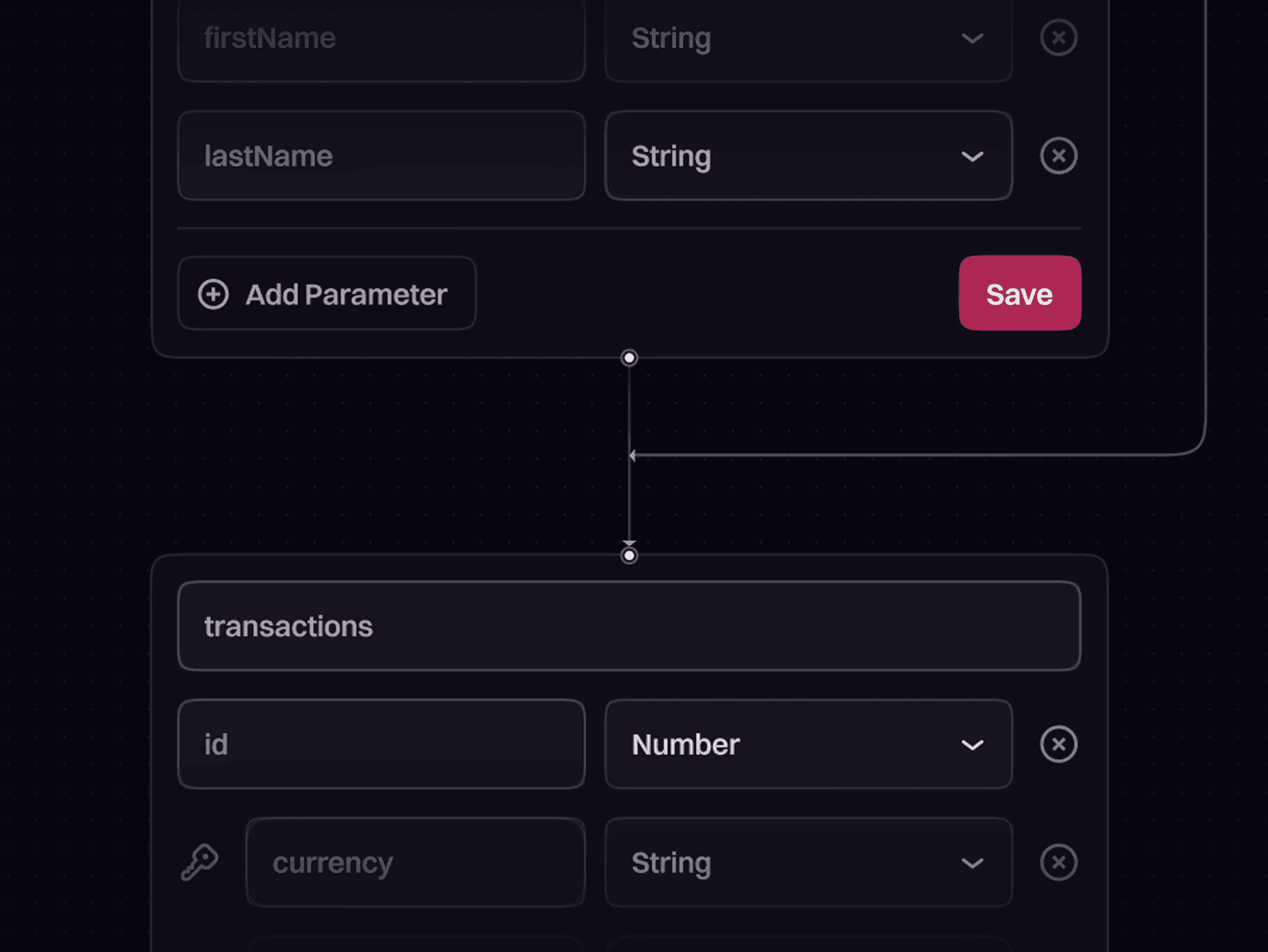
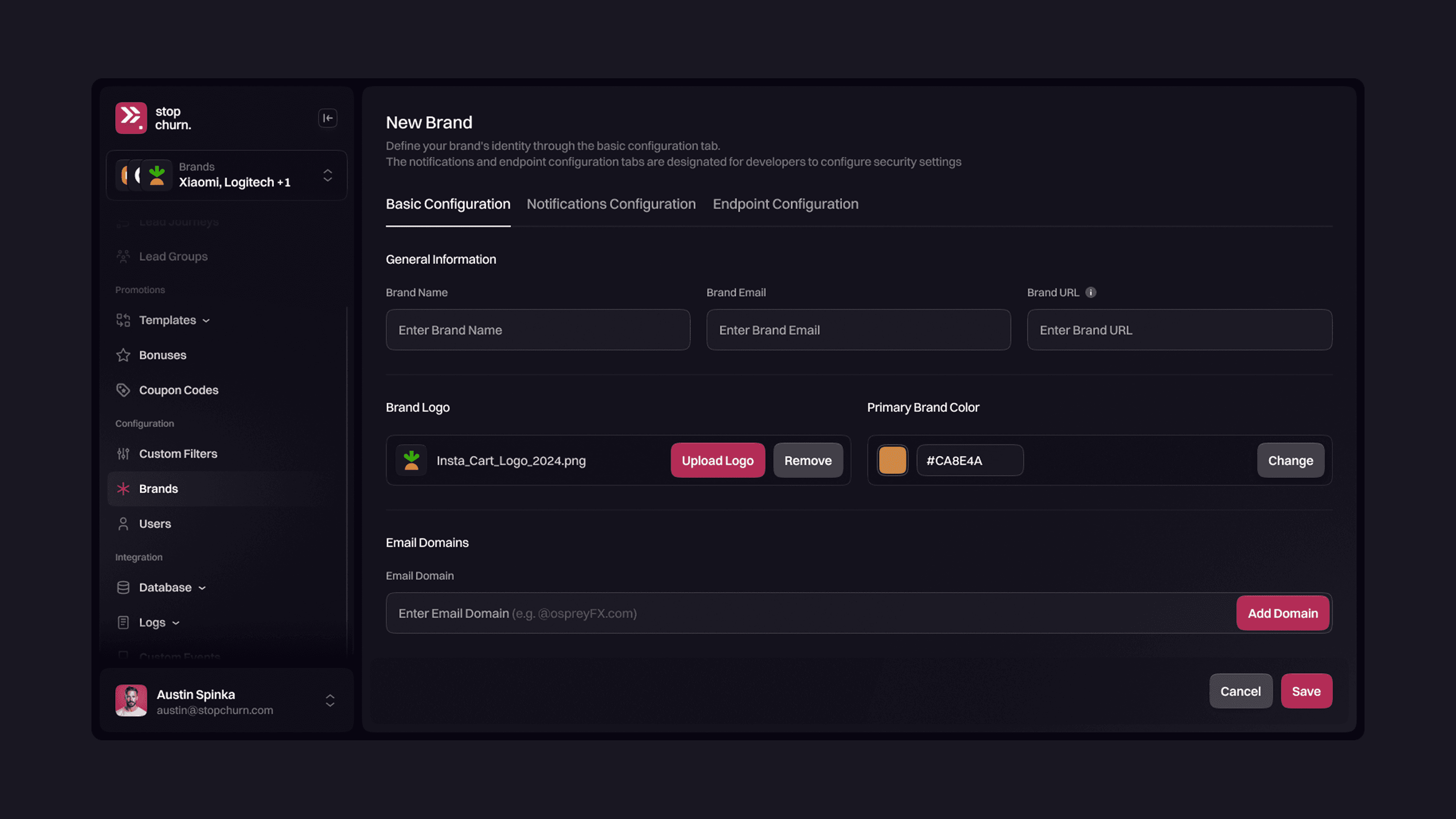
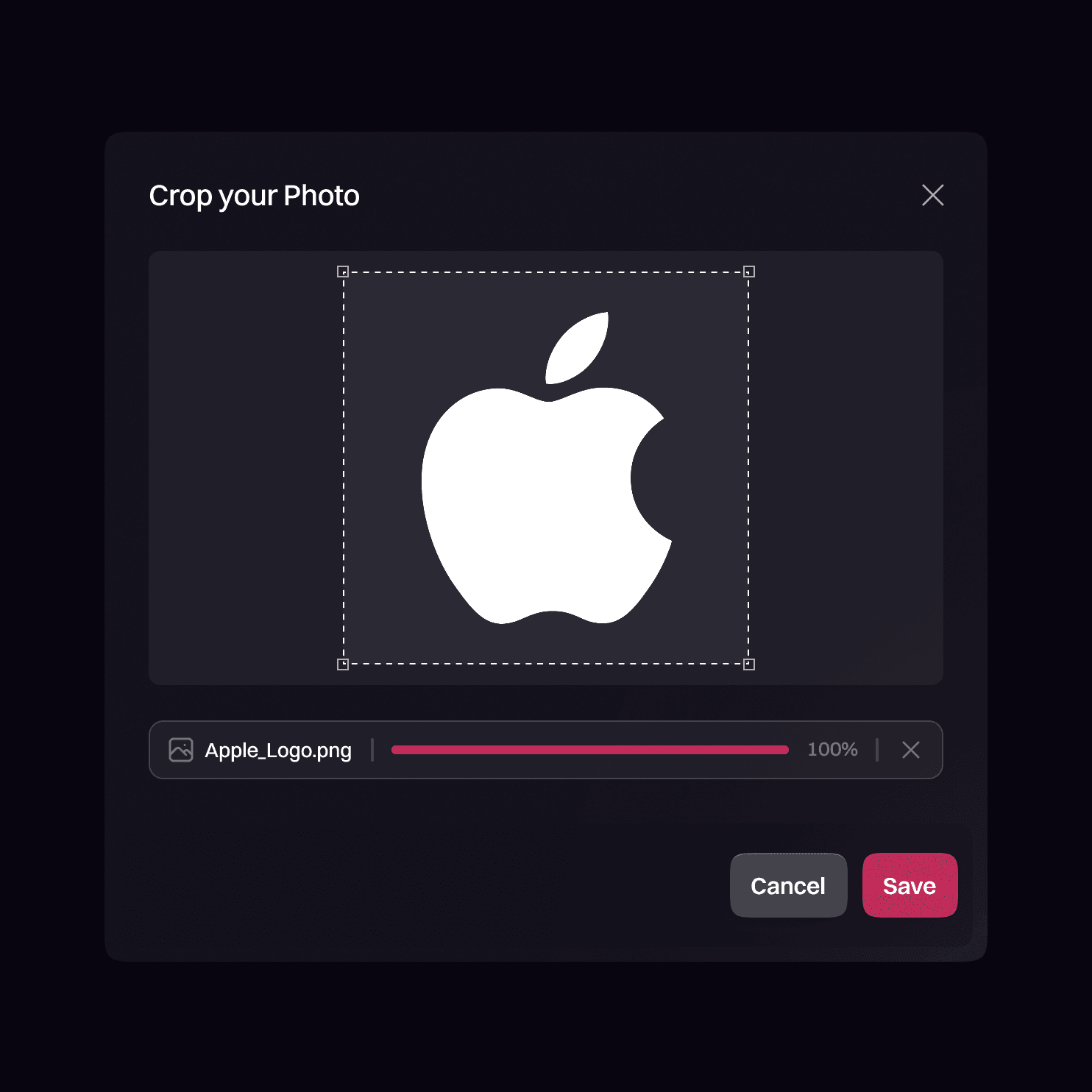
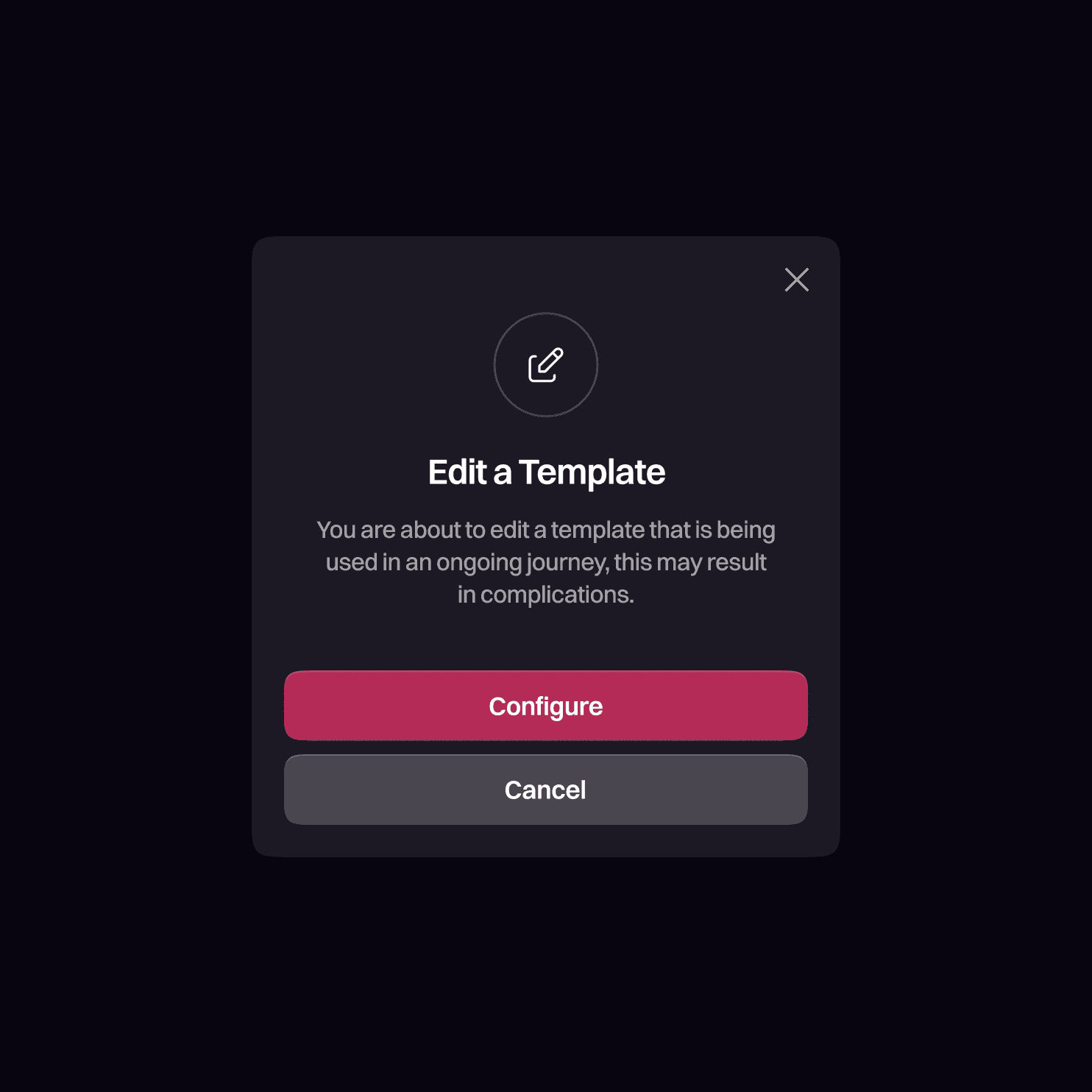
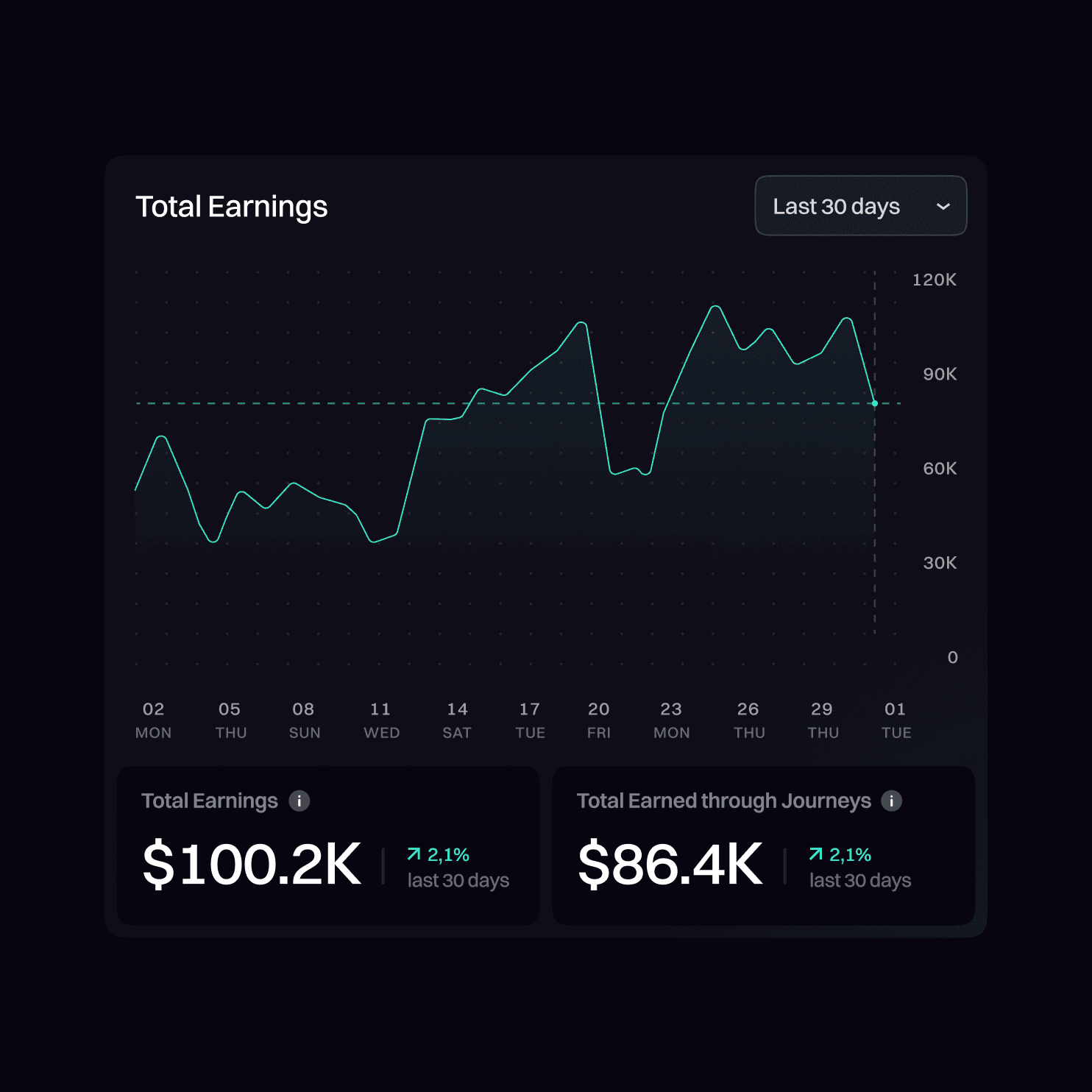
Beyond journeys, the redesign refreshed key areas across the platform — campaigns, brands, filters, analytics, and system dialogs.
Beyond journeys, the redesign refreshed key areas across the platform — campaigns, brands, filters, analytics, and system dialogs.
Beyond journeys, the redesign refreshed key areas across the platform — campaigns, brands, filters, analytics, and system dialogs.
The goal was consistency: clearer hierarchy, simplified layouts, and predictable patterns that made every part of StopChurn easier to understand and work with.
The goal was consistency: clearer hierarchy, simplified layouts, and predictable patterns that made every part of StopChurn easier to understand and work with.
The goal was consistency: clearer hierarchy, simplified layouts, and predictable patterns that made every part of StopChurn easier to understand and work with.
The People Behind the Work
The People Behind the Work
The People Behind the Work
A cross-functional team shaped this redesign, combining product strategy, UX, visual identity, and design direction.
A cross-functional team shaped this redesign, combining product strategy, UX, visual identity, and design direction.
A cross-functional team shaped this redesign, combining product strategy, UX, visual identity, and design direction.
Filip Aleksić — UI/UX Design
Filip Aleksić — UI/UX Design
Filip Aleksić — UI/UX Design
Aleksandar Ficović — Product Management
Aleksandar Ficović — Product Management
Aleksandar Ficović — Product Management
Darko Tomić — Visual Identity
Darko Tomić — Visual Identity
Darko Tomić — Visual Identity
Miodrag Karalejić — Design Direction
Miodrag Karalejić — Design Direction
Miodrag Karalejić — Design Direction
Next case studies
Next case studies
Next case studies
Explore more of my designs
Explore more of my designs
Explore more of my designs

Prop Sports Betting Platform
Product Redesign
TheFundedBettor
Prop Sports Betting Platform
Product Redesign
TheFundedBettor
Prop Sports Betting Platform
Product Redesign
TheFundedBettor

Luxury Watch Marketplace
Product Design (Expansion)
Trusticks
Luxury Watch Marketplace
Product Design (Expansion)
Trusticks
Luxury Watch Marketplace
Product Design (Expansion)